


















Cases & Protection
Products
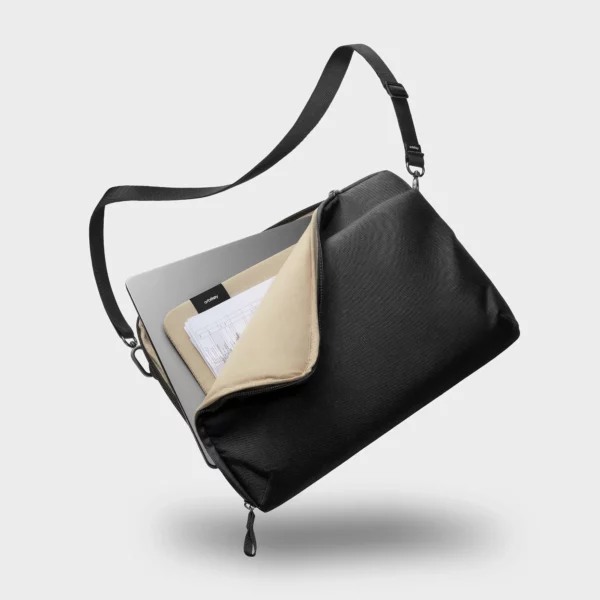
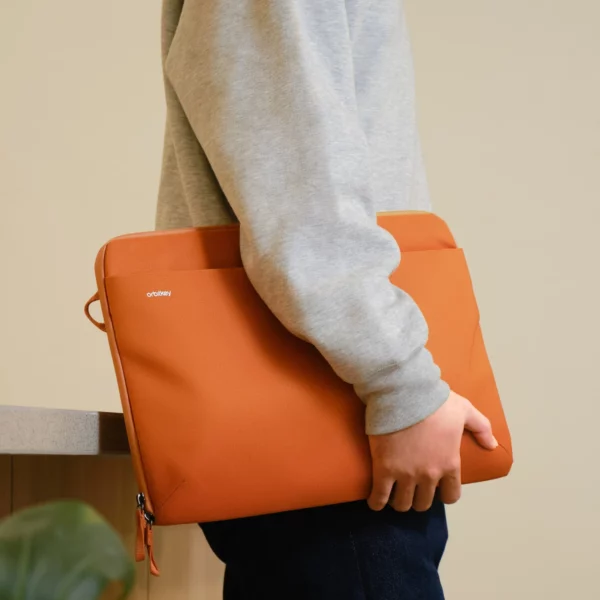
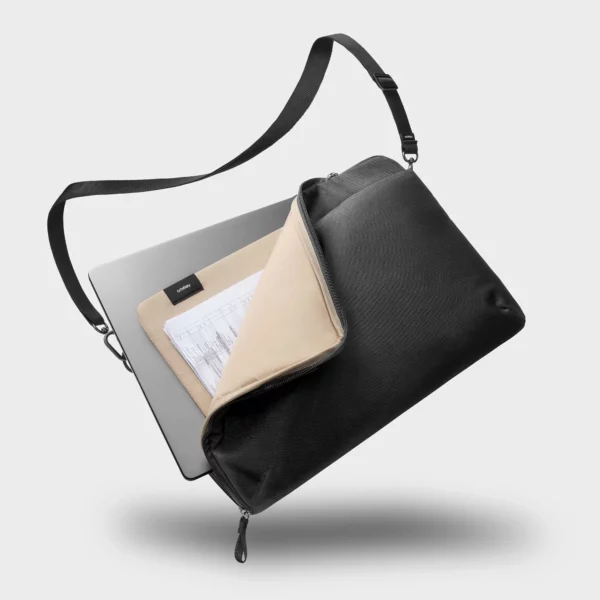
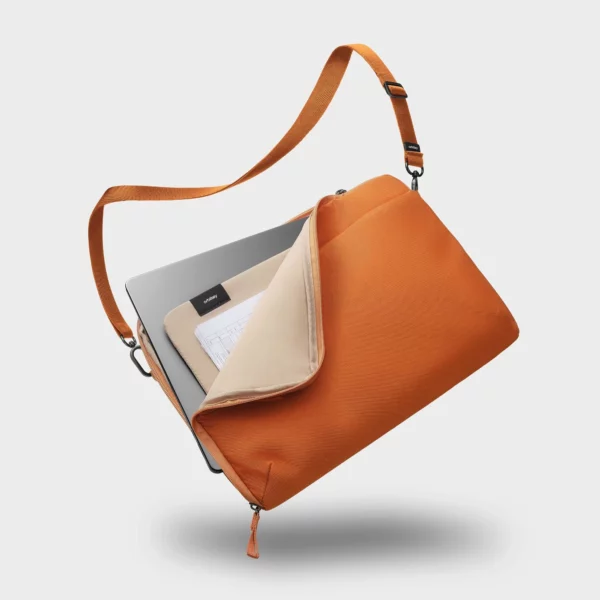
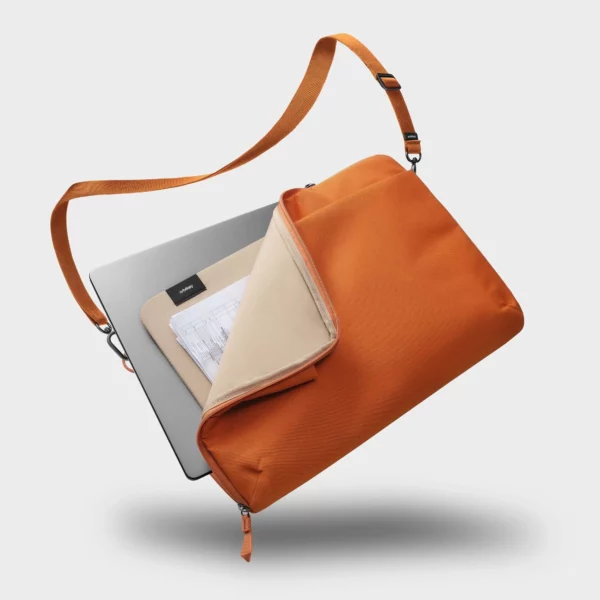
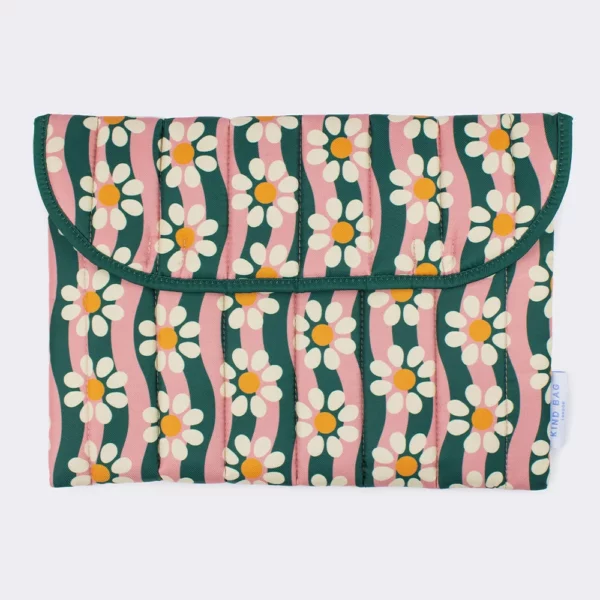
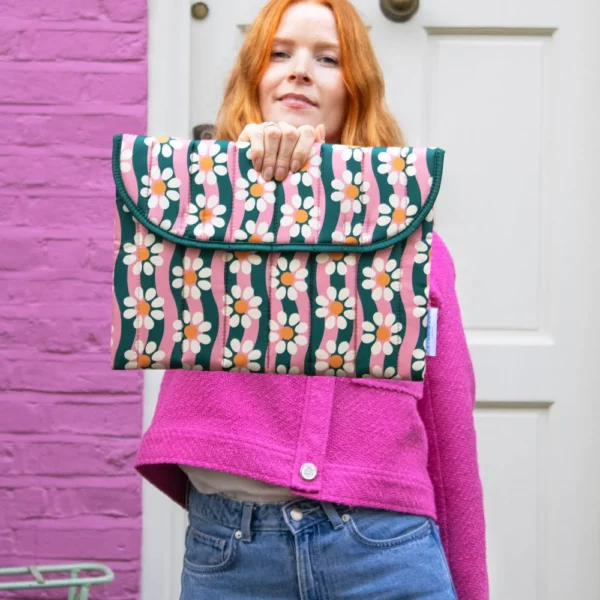
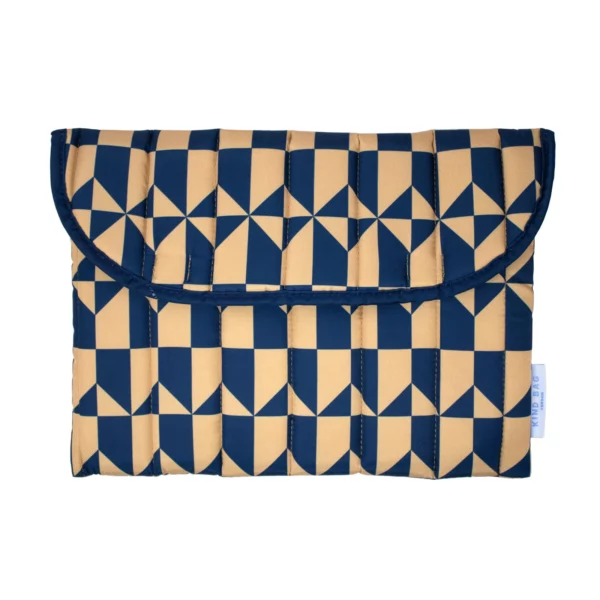
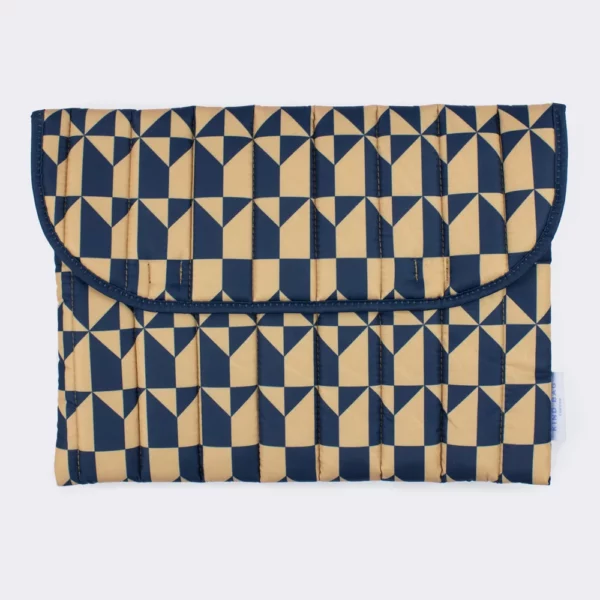
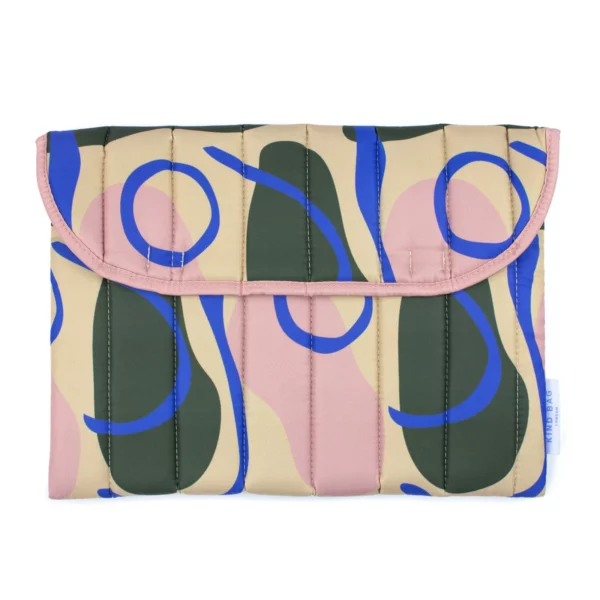
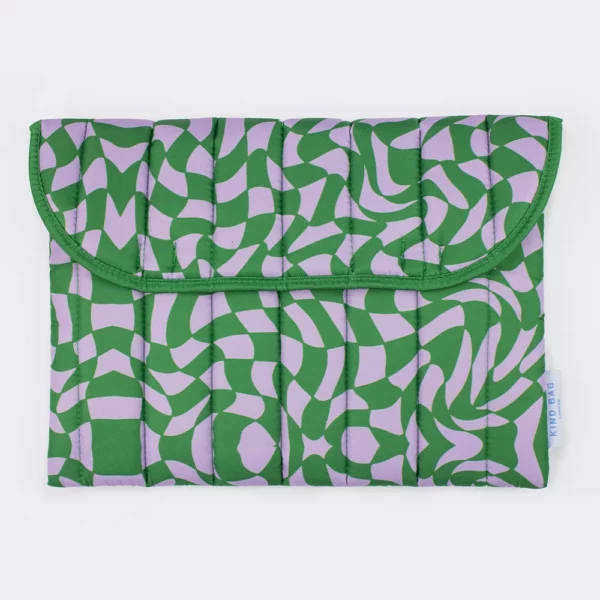
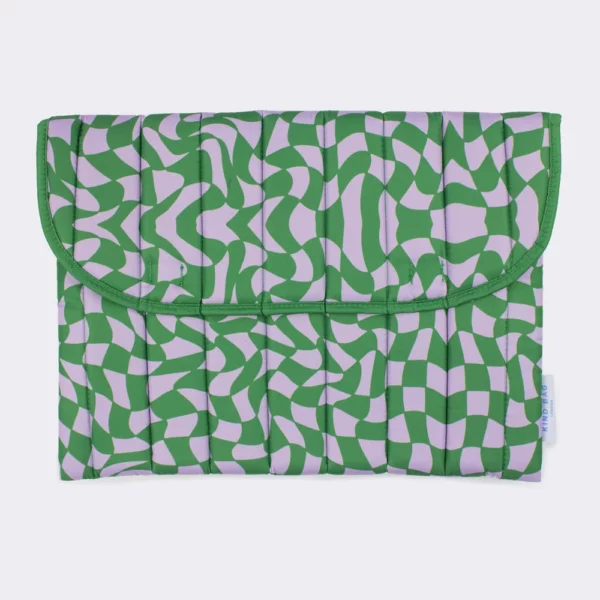
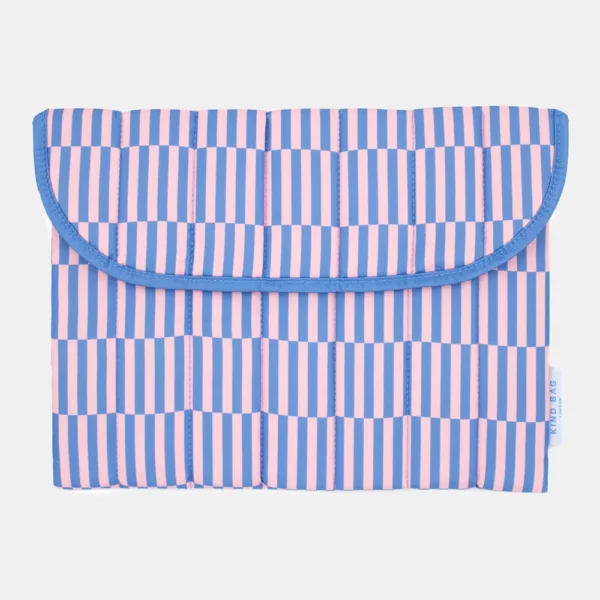
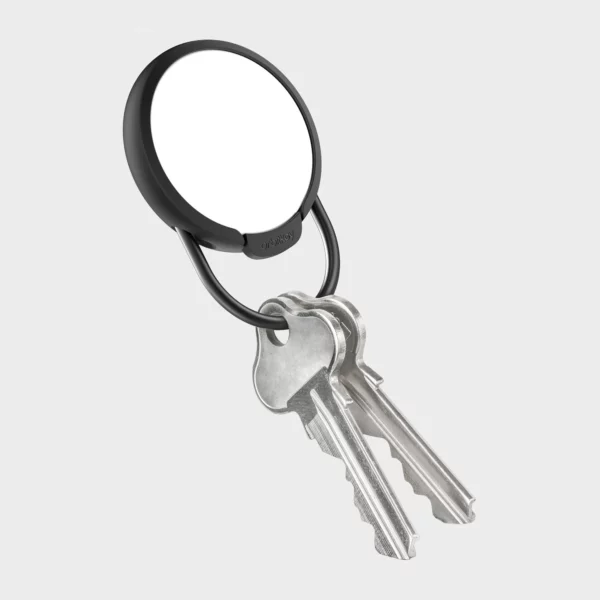
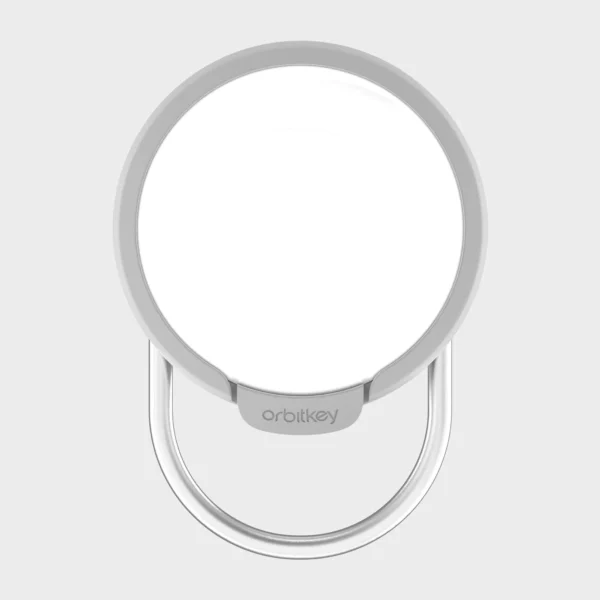
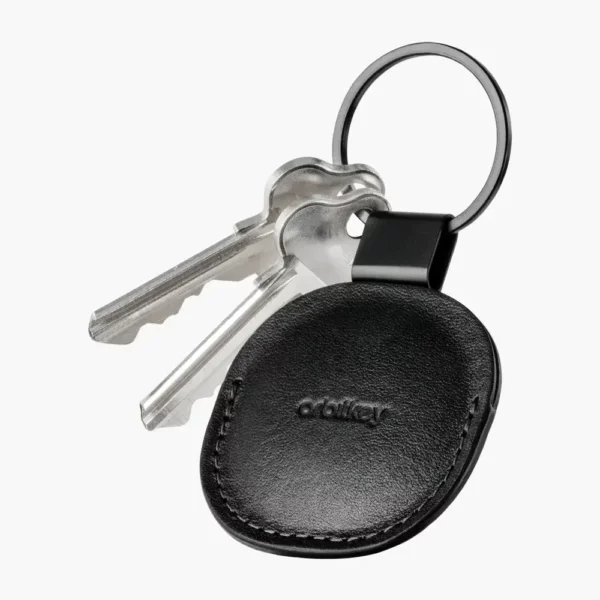
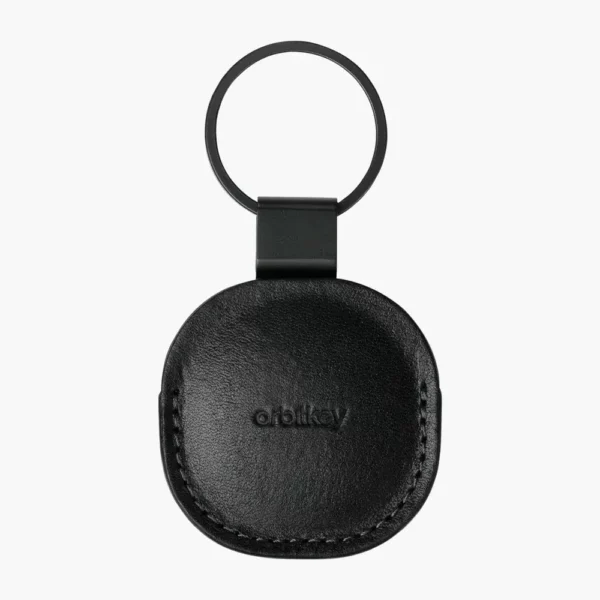
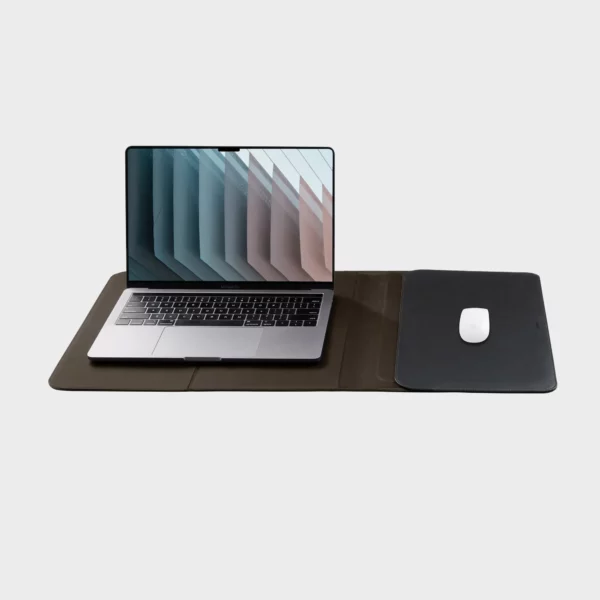

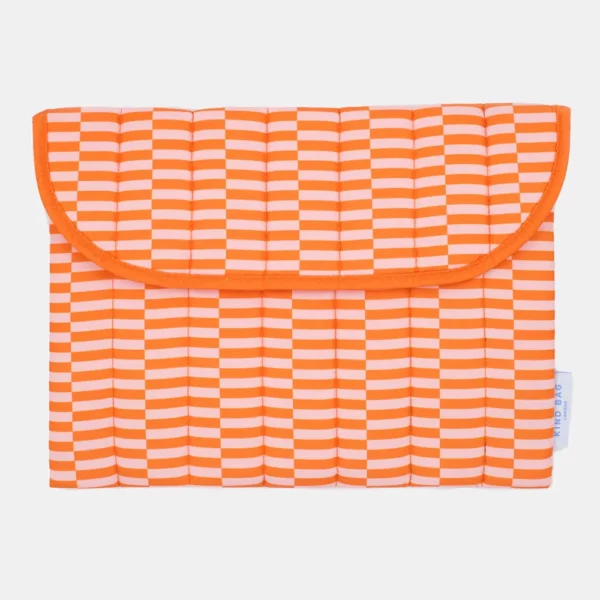
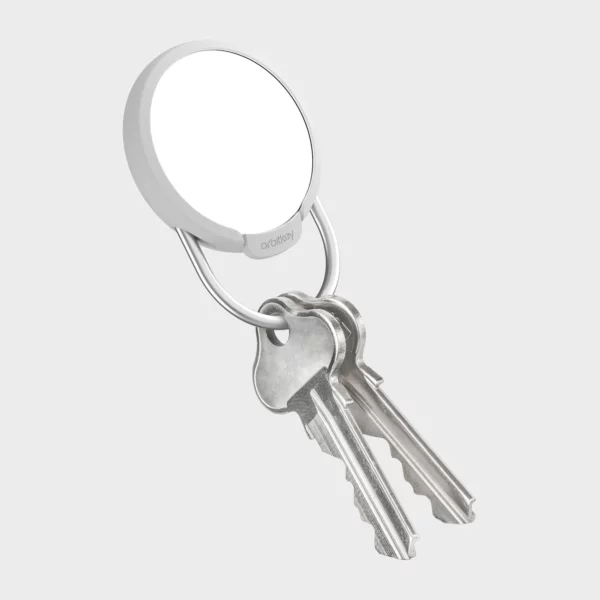
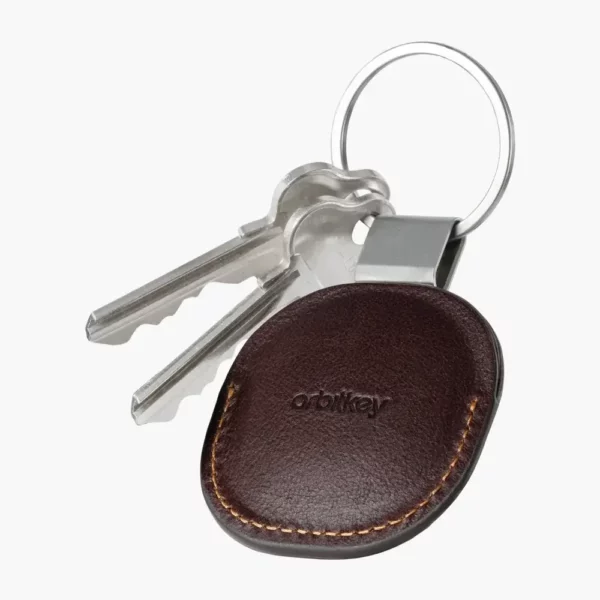
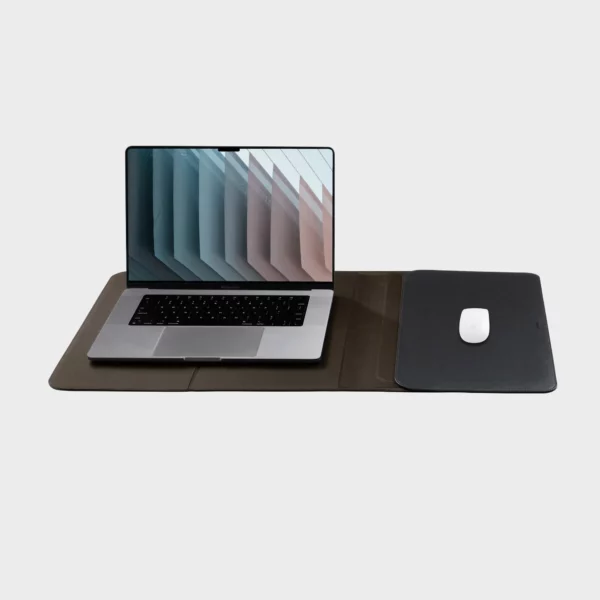
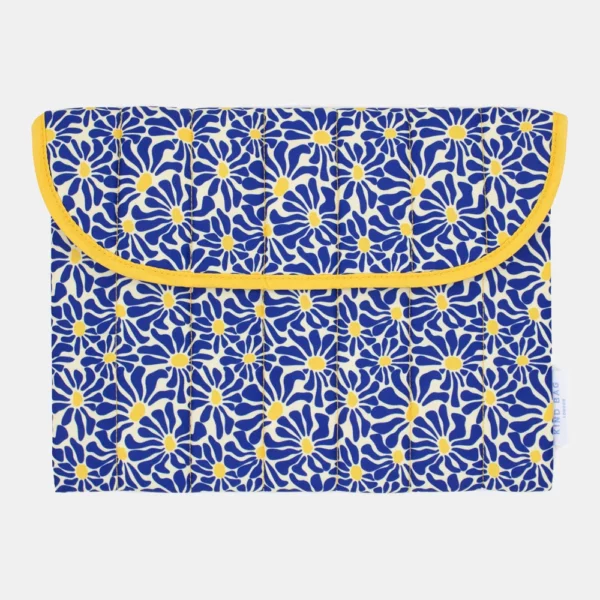
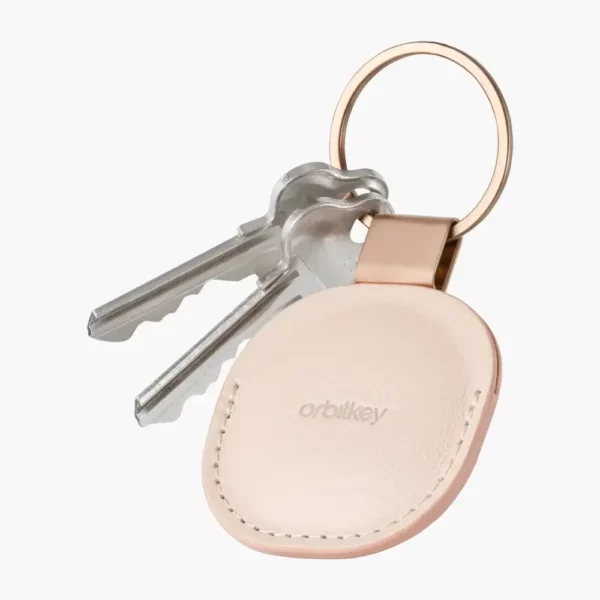
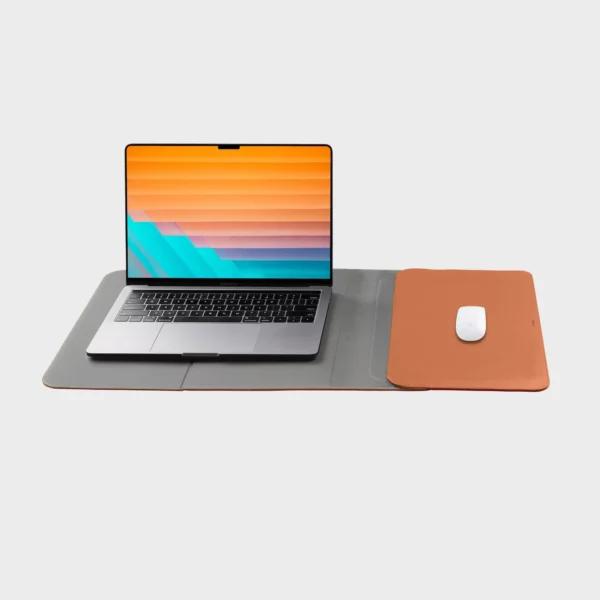
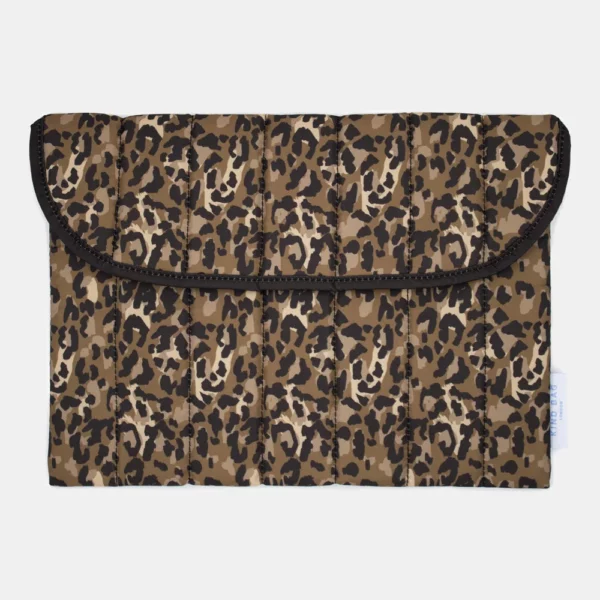
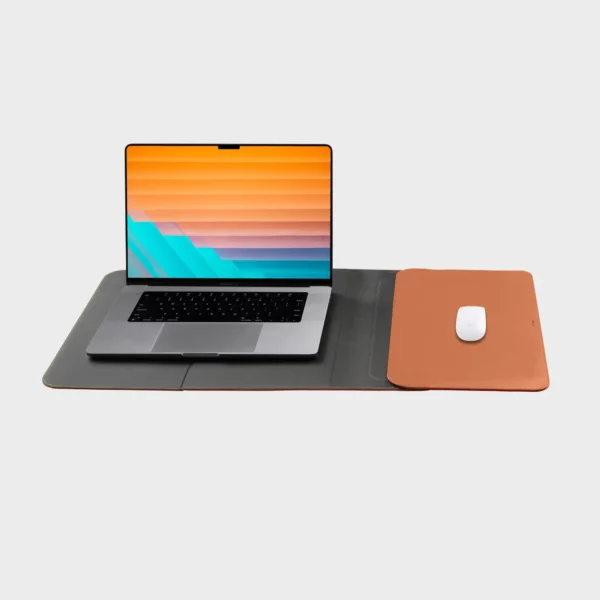
A good case protects your device from scratches and knocks without adding bulk. For that to work, it has to fit exactly.
What size case do you need?
Go by your device’s size in centimetres, not just in inches. A laptop’s inch figure is the screen diagonal, and two laptops with the same figure can have bodies of different sizes. Measure the width, depth and height and compare them with the inside dimensions of the case.
| Device | Measure | Check |
|---|---|---|
| Laptop | the body’s width, depth and height | inches alone are not enough |
| Tablet | with keyboard or cover, if it goes in too | a slot for the stylus |
| Headphones | folded | a hard shell for the headband |
| Tracker | check the exact model | ring, hook or carabiner |
How much protection do you need?
For carrying in a bag, a padded sleeve against scratches and light knocks is enough. If you travel a lot, choose thicker padding and a water-repellent fabric. Small devices such as trackers mainly need a secure fastening so they stay on your keys or bag.
What should you look for when buying?
Material and closure. A zip should be covered on the inside so it cannot scratch the casing. An extra pocket holds the charger and cable. Leather protects well and ages nicely, while fabric made from recycled PET is light and often given a water-repellent finish.
For laptop sleeves, see Laptop Sleeves; for laptop bags, Laptop Bags; for charging accessories, Charging Accessories.
Frequently asked questions
Usually not. The laptop sits too loosely and slides around. Compare the sleeve's inside dimensions with your device; one to two centimetres of play is enough.
Best not. Heat builds up inside the sleeve, which strains the battery. Shut the laptop down or let it cool before you pack it.
Wipe fabric with a damp cloth and a little soap, and leather with a dry cloth, plus a leather conditioner now and then. Only put it in the washing machine if the label allows it.
Still unsure? We will reply within 24 hours. Write to us directly.