


















Setting Up the Orbitkey Key Organizer: Inserting Keys, Adjusting Tension, Selecting Accessories

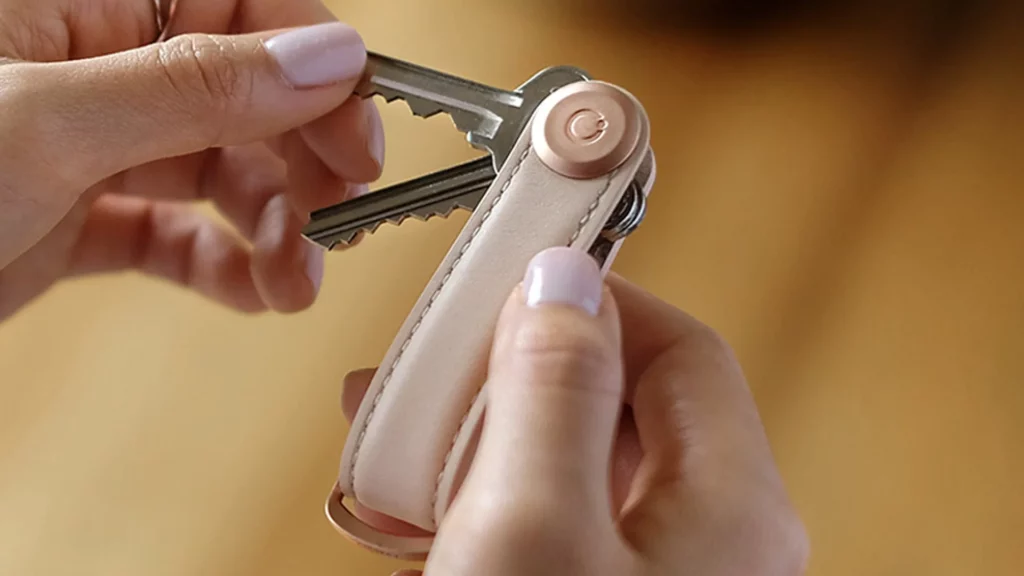
Setting up an Orbitkey Key Organizer takes five minutes: Loosen the screw on the locking mechanism, thread 2 to 7 keys onto the shaft, attach the washers to the end, and tighten the screw again until it clicks into place and the keys can be unfolded with slight resistance. Car keys and key fobs go on the D-ring. Common mistakes (tightening too much, forgetting the knurled disc, incorrect order) and which accessories really belong in the set are explained here, step by step and with the manufacturer’s measurements. We carry all models and accessories on the Orbitkey brand page.
Preparation: Which keys fit in the Orbitkey Key Organizer?
Orbitkey specifies two measurements you can check on your key before you begin. The hole in the key head must be at least 4 mm in diameter, and the key must be no more than 67 mm long from the hole to the tip (68 mm for the Key Organizer Pro). Apartment, house, and mailbox keys almost always fall within these limits. The Organizer is designed for standard keys that are 2 mm thick. Thick security keys with plastic heads, remote-controlled keys, and car keys do not fit in the stack; the D-ring is there for them.
It’s a good idea to sort through your keys before putting them in the organizer. Orbitkey recommends putting only the keys you use daily or weekly into the organizer. The basement key, which you need twice a year, stays at home. The classic model holds 2 to 7 keys, while the Pro model holds 3 to 9. If you have more than that, you’ll need the extension—see below for details.
Step by Step: Setting Up Orbitkey Key Organizer
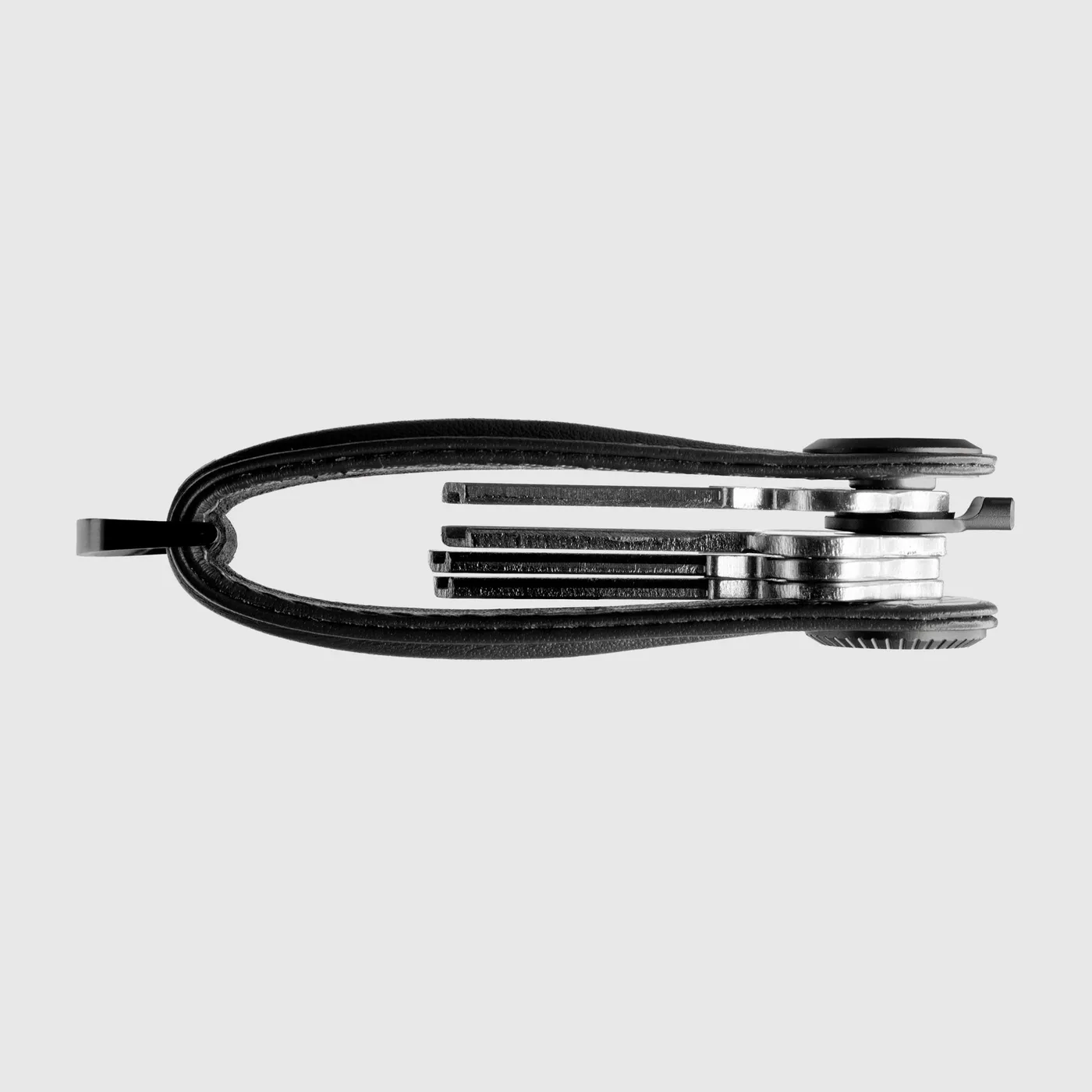
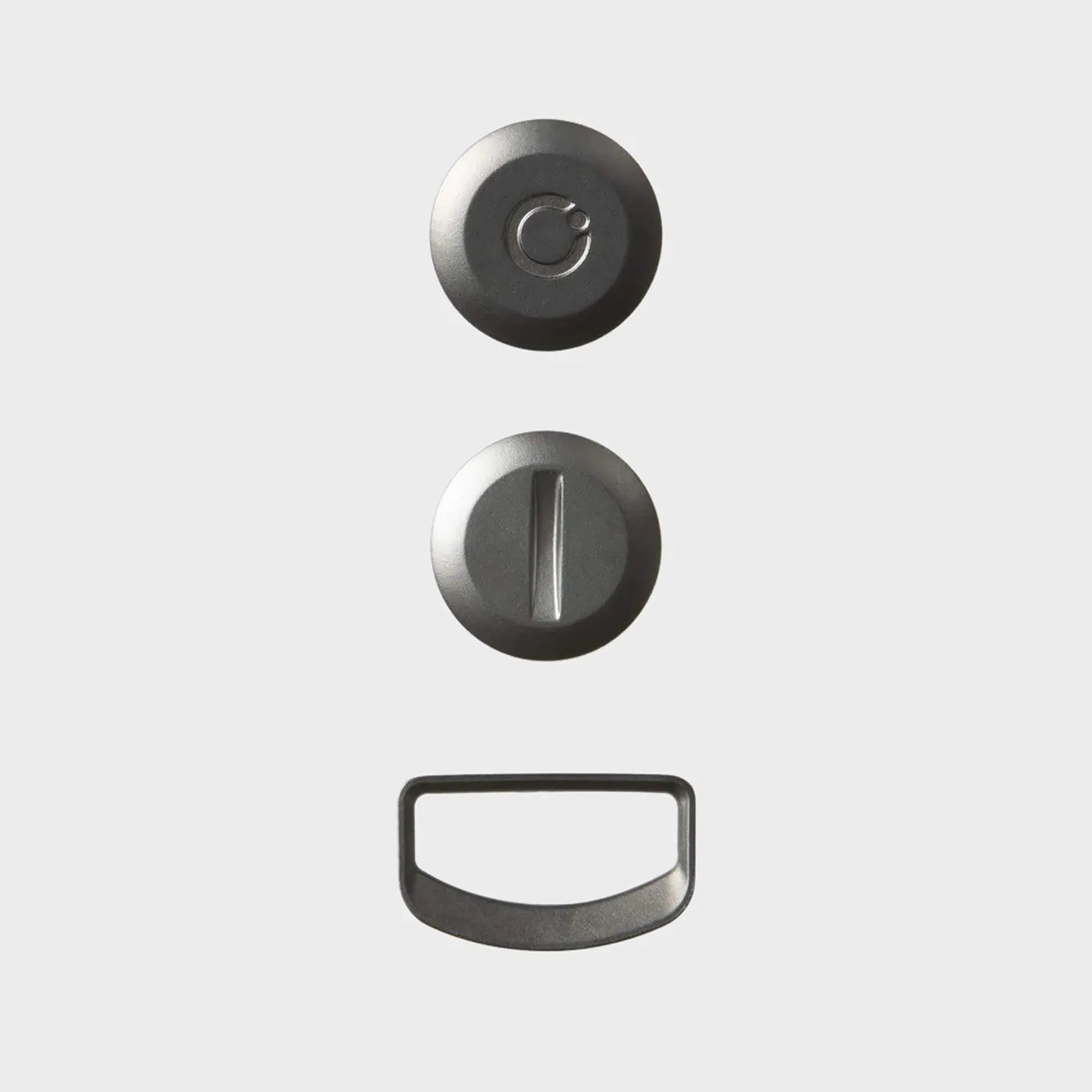
Inside the box are the organizer, a quick start guide, and a second corrugated disc. The first one is already attached to the shaft. The corrugated discs are small, corrugated metal discs that, according to Orbitkey, provide tension and keep the keys in line so that each one can be unfolded individually.
- Loosen the screw: Turn the locking mechanism on the screw side counterclockwise and remove the screw along with the grooved washer. The shaft with the Orbitkey logo remains in the leather loop.
- Set the order: Orbitkey recommends threading your most-used key on first, followed by your second house key, then your mailbox key, and finally your work keys. This way, the most important key is on the outside and is immediately within reach of your thumb.
- Inserting keys: Slide each key with the hole over the shaft, all facing the same direction. A multi-tool or a USB flash drive is inserted exactly the same way as a key.
- Placing the splined washer: Place a splined washer on top of the stack. If there are only two keys, use both splined washers; otherwise, the keys will spin freely. The second washer also helps with keys that have a plastic head or bit keys without a flat side.
- Screwing in the screw: Gently position the screw and turn it clockwise. The mechanism audibly clicks into place every half-turn; according to Orbitkey, this prevents it from coming loose on its own over time. Test after every half-turn: Can the keys still be folded out? As soon as you feel slight resistance and nothing wobbles anymore, you’re done.
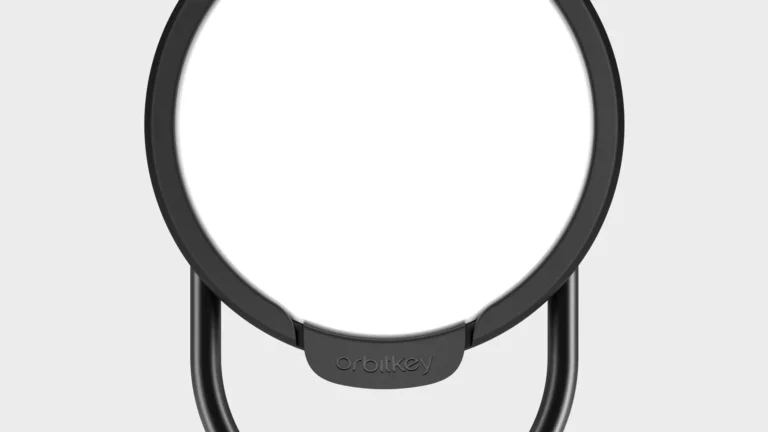
- Attaching items to the D-ring: Car keys, remote keys, tags, or a tracker can be attached to the D-ring at the bottom. You can grab them one by one without having to open the stack.
The entire process is the same for all models, whether it’s a leather key organizer, a weatherproof “Aktiv” key organizer made of TPU, or a Crazy Horse leather key organizer. The Pro model has a different mechanism: You can adjust the tension continuously and without tools; an integrated spring keeps the keys taut, and the D-ring is permanently attached.
-
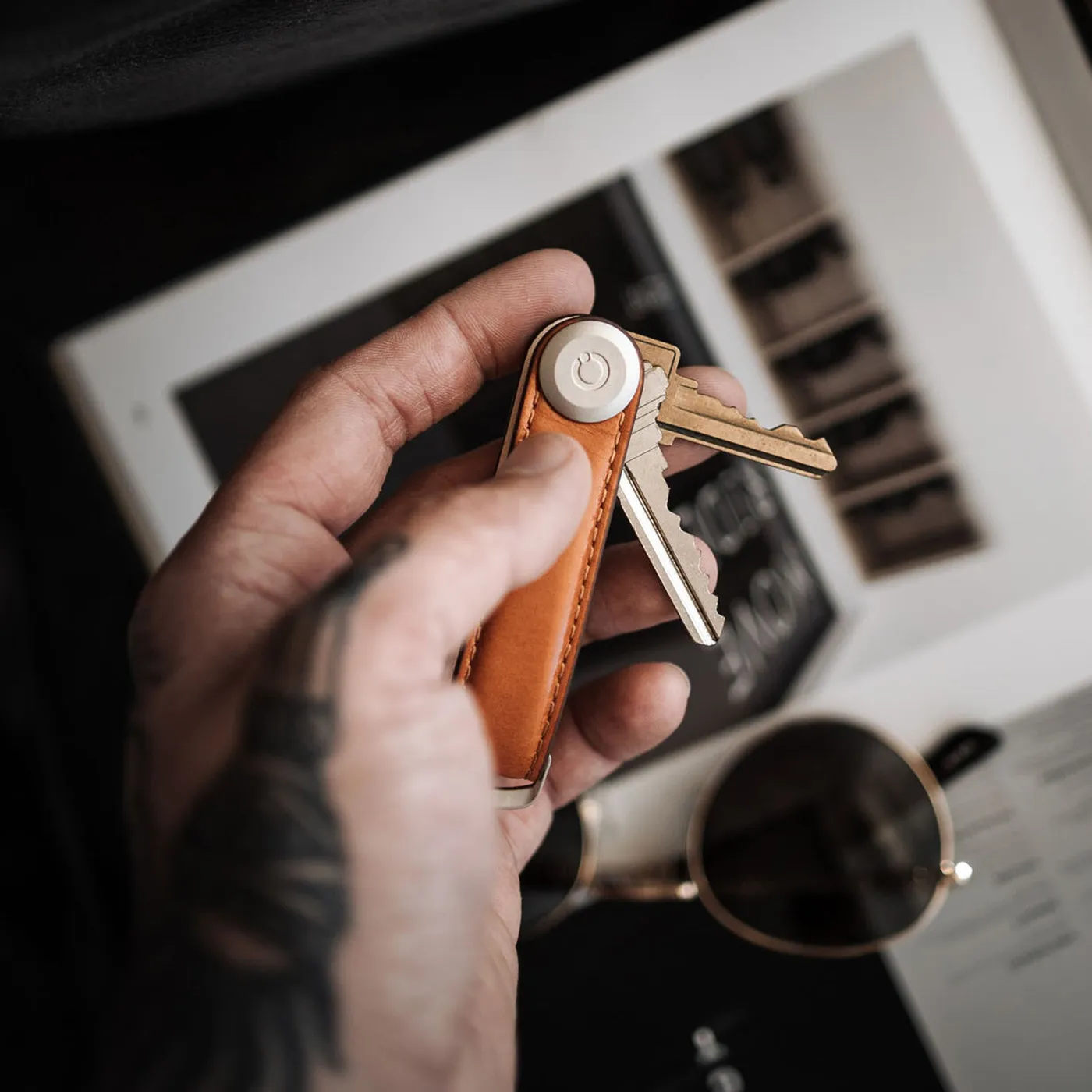
Orbitkey key organizer leather
The Orbitkey Leather Key Organizer bundles 2 to 7 keys into a quiet, neat stack. Made of high-quality top-grain leather with a protective finish and an…
-
Orbitkey Key Organizer Pro Leather
Holds 3 to 9 keys in a flat, rattle-free stack. Made of LWG-certified napa leather with 316L stainless steel hardware that you can adjust to fit your keys…
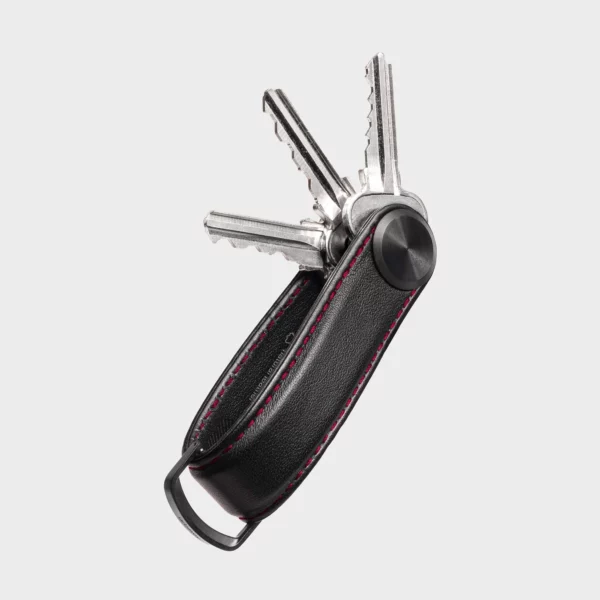
Too tight, too loose, or stuck: the three typical mistakes
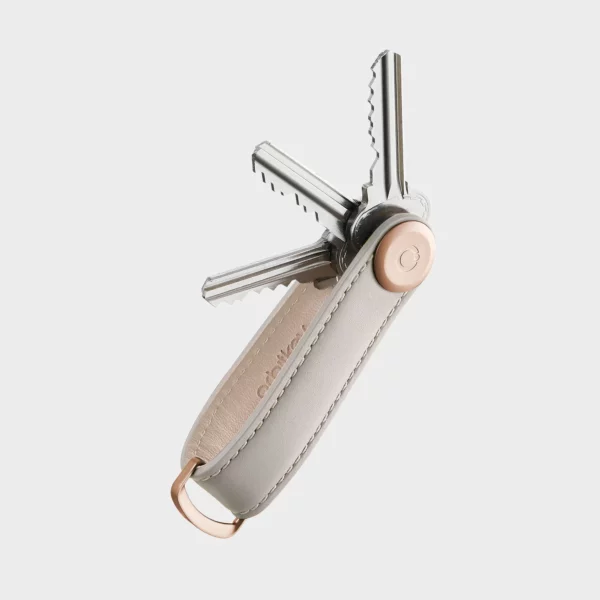
The most common problem is that it’s been tightened too much. If the keys can only be turned with force or the mechanism is jammed, the screw has been turned too far into the shaft—usually because the splined washer is missing. Orbitkey describes the solution as follows: Hold one side of the leather loop in place and turn the other side one full turn counterclockwise. If that doesn’t work, hold the shaft with the logo in place with your index finger and loosen the screw with a coin. Do not use a screwdriver, as it will damage the slot.
“Too loose” means the keys pop out on their own or rattle. In that case, either the splined washer is missing, or the screw hasn’t been turned all the way until it meets the first resistance. Just half a turn more, and it’ll stop. If the mechanism starts to come loose after a few months, the manufacturer says this is normal wear and tear—a quick tightening will do the trick.
The third mistake is the order. If you force a car key or a key with a plastic head into the stack, you won’t be able to turn the other keys properly anymore. Anything with a plastic head or longer than 67 mm belongs on the D-ring, not in the stack.
More Than Seven Keys: The Expansion
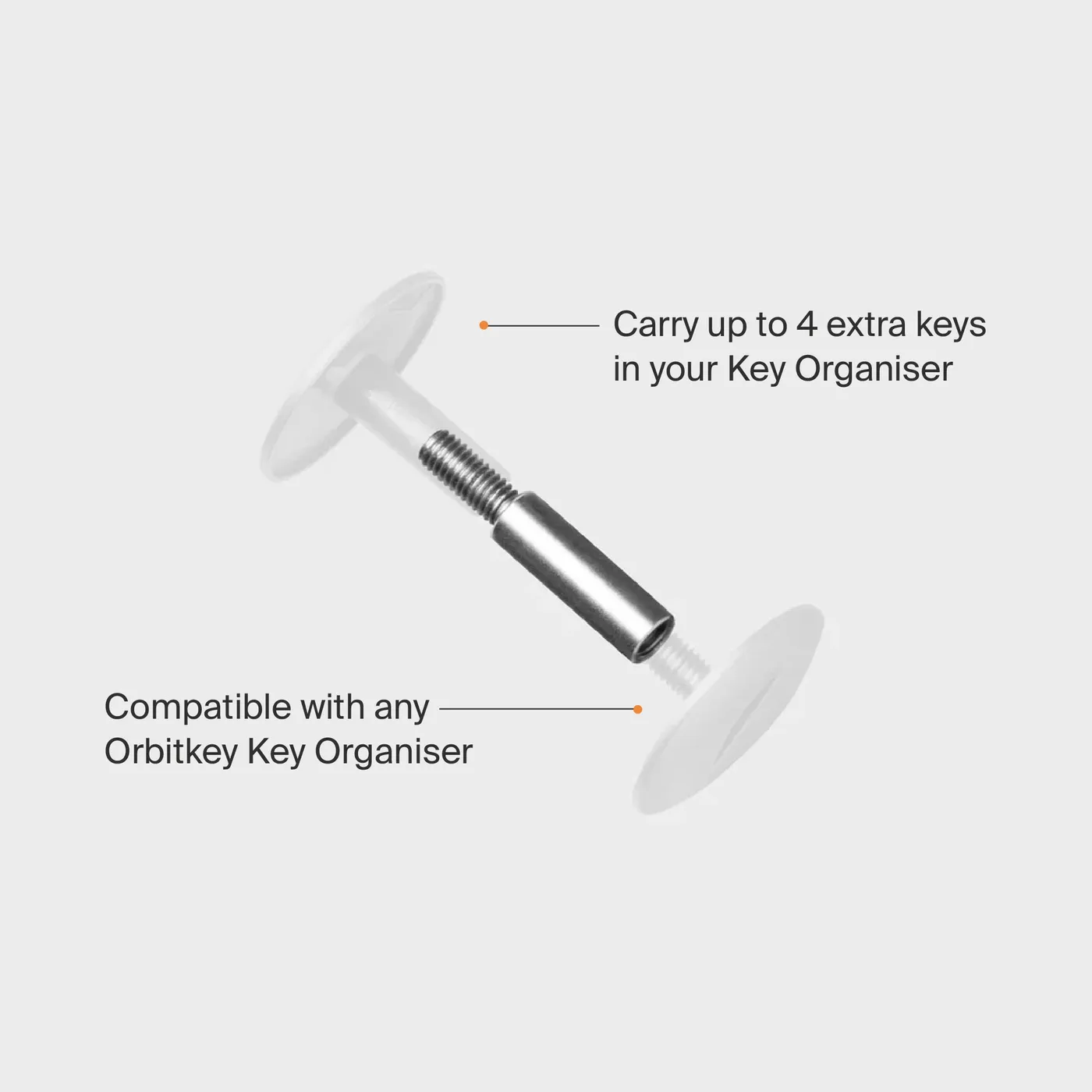
The Orbitkey extension is a 20-mm-long stainless steel post, 4 mm in diameter, that is screwed into the threads of the existing locking mechanism. It extends the shaft and creates space for up to four additional keys—11 instead of 7 in the classic organizer. According to Orbitkey, it fits into any key organizer. Installation: Loosen the screw, screw in the post, thread the keys onto it, add the corrugated washer, then tighten the screw.
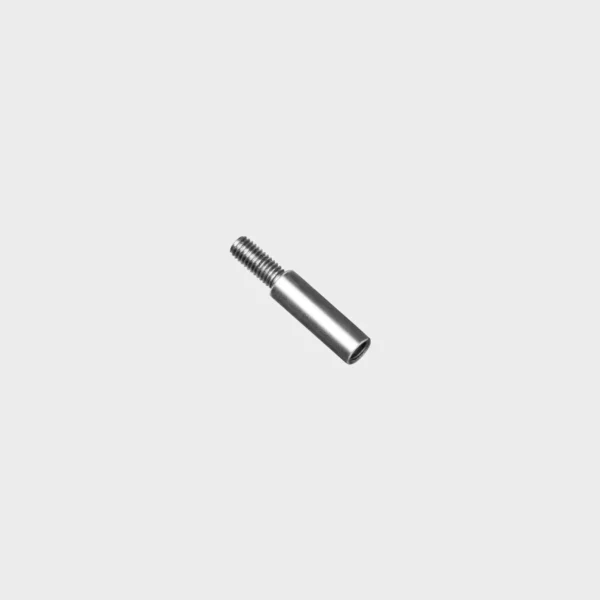
Orbitkey Erweiterung
Der Orbitkey Erweiterungspfosten erhöht die Kapazität des Key Organisers von 7 auf 11 Schlüssel. Kompatibel mit jedem Orbitkey Key Organiser,…
Accessories that fit in the stack
Anything that’s 2 mm thick and has a 4-mm hole can be used like a key. Orbitkey designs its accessories to fit this exact size. Which ones are useful depends on your daily routine; having more than two tools in the stack makes it too thick.
| Accessories | What It Can Do | Dimensions and Weight | Seat |
|---|---|---|---|
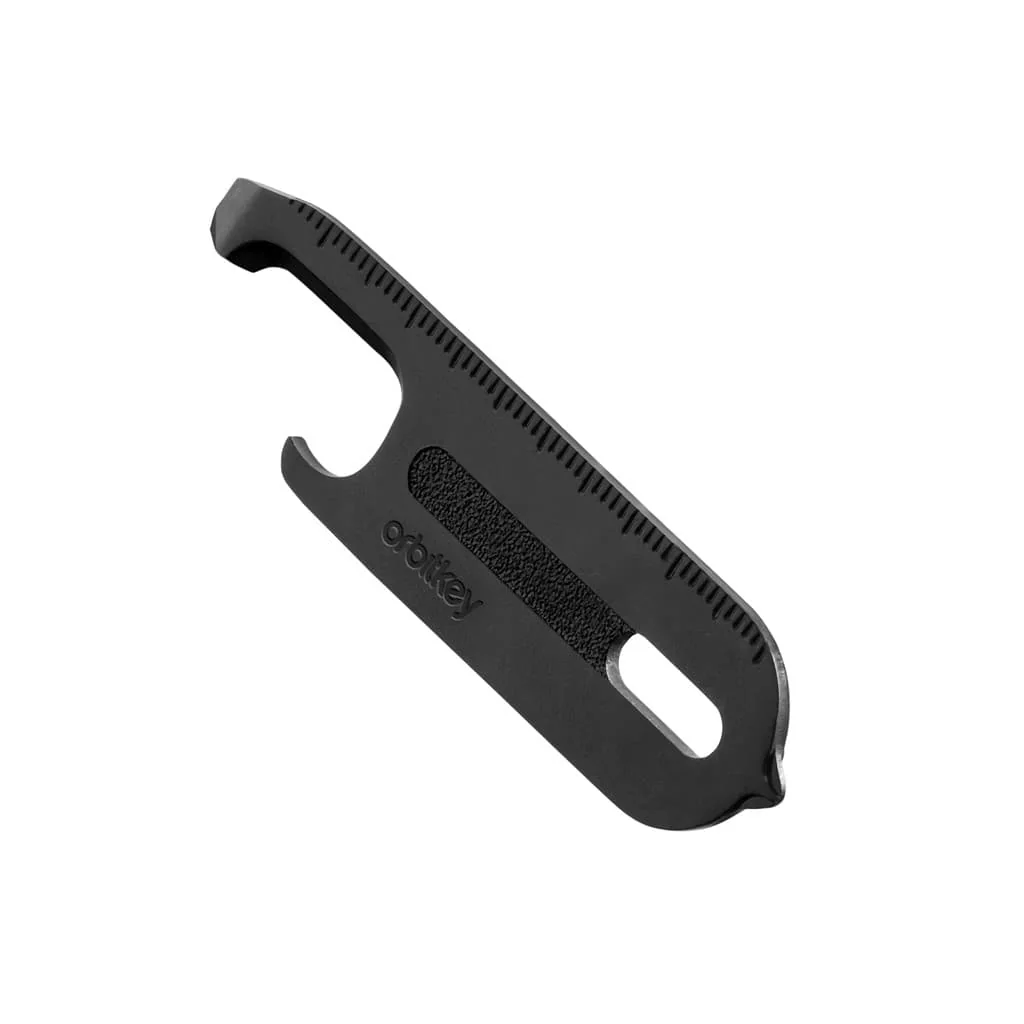
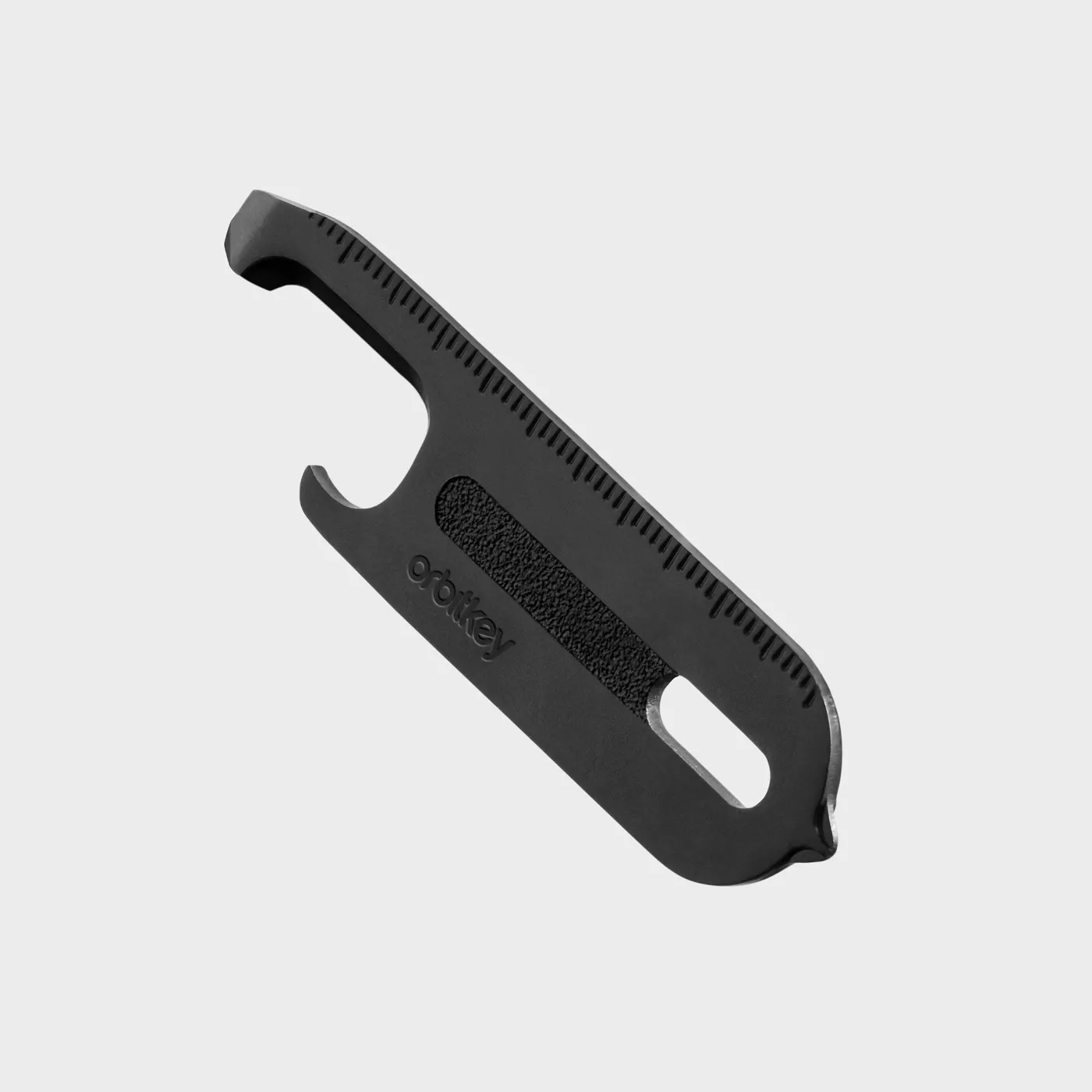
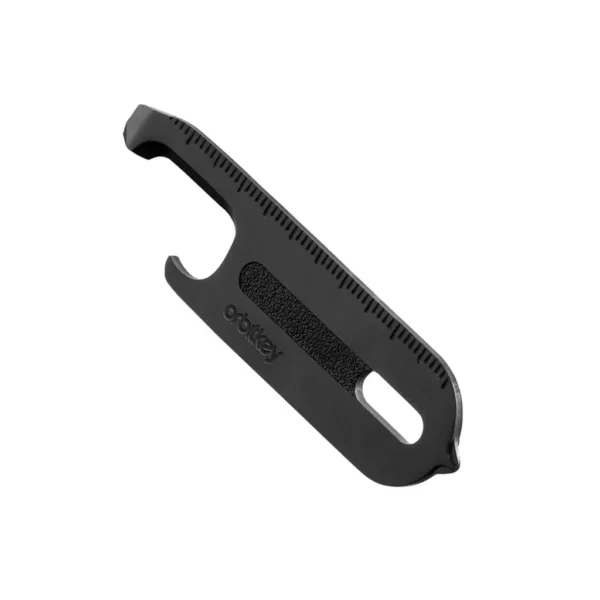
| Multi-Tool V2 | 9 Tools: Box cutter, bottle opener, crowbar, flathead and PH2 screwdrivers, letter opener, ruler, file | 420 stainless steel with a titanium coating | in a stack |
| 2.0 Bottle Opener | Bottle opener | 63 × 18 × 2 mm, 12 g | in a stack |
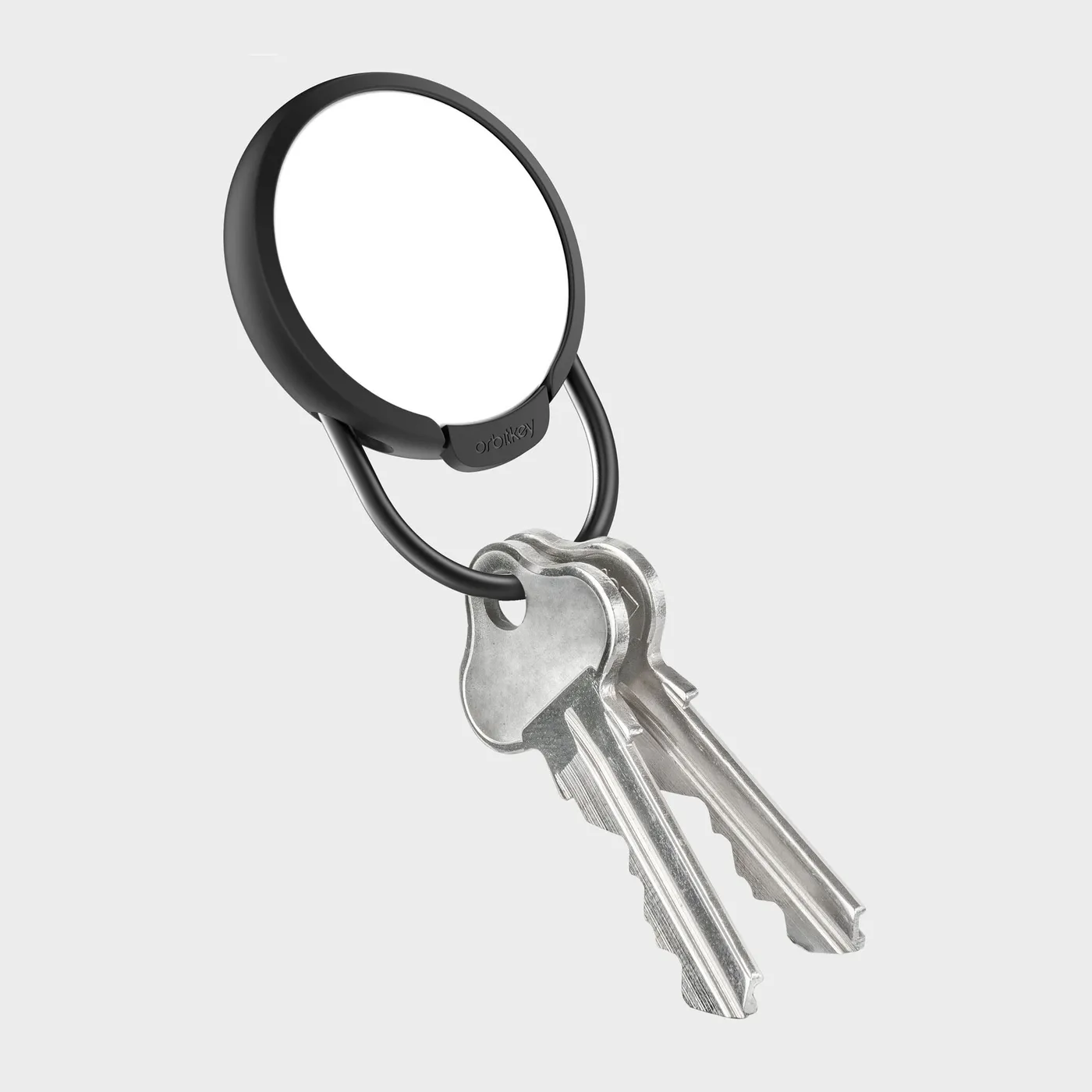
| Nail File & Mirror | Nail file and mirror | 62.5 × 18 × 2 mm, 10 g | in a stack |
| USB-C 64 GB | Flash drive, USB 3.1, reversible | Zinc alloy | in a stack |
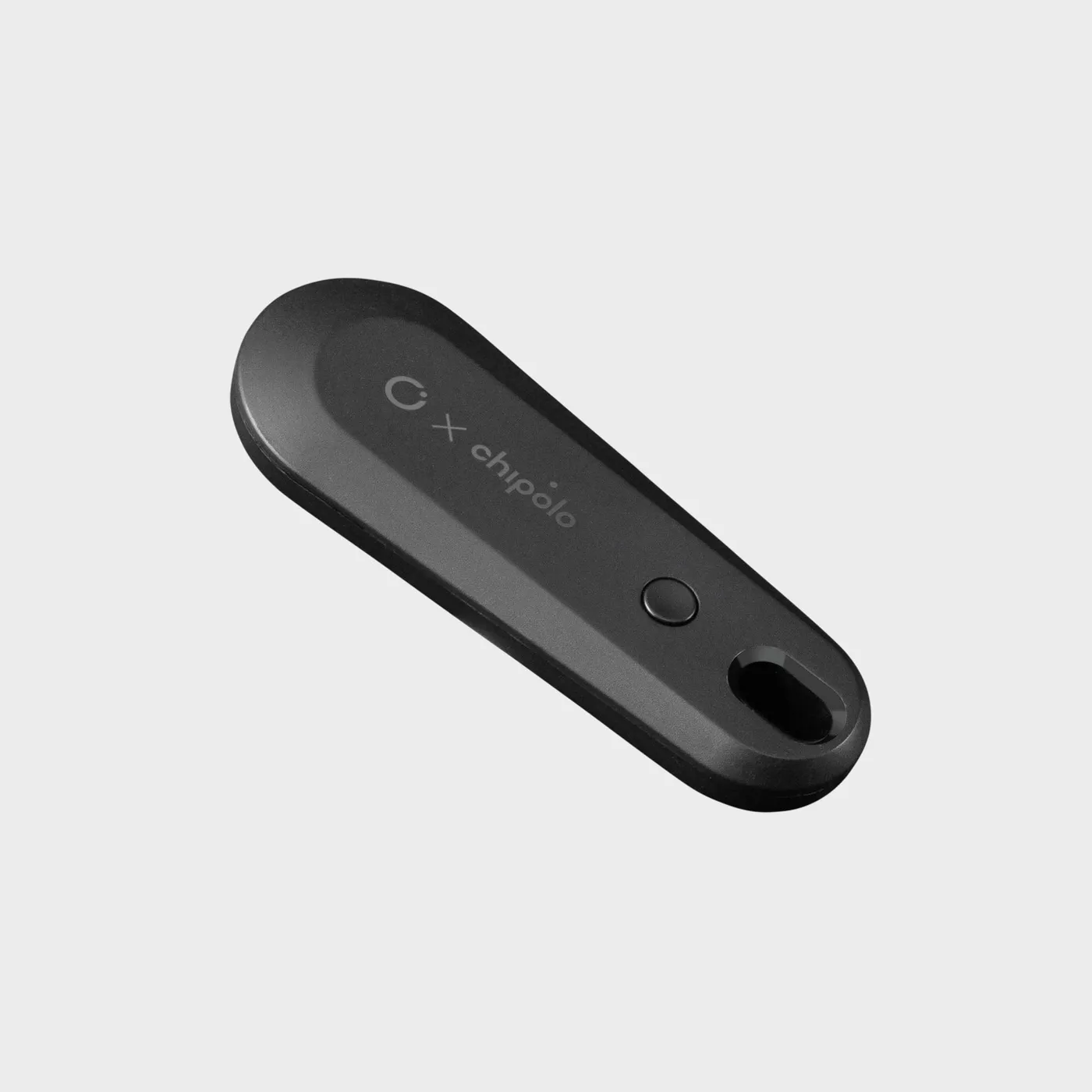
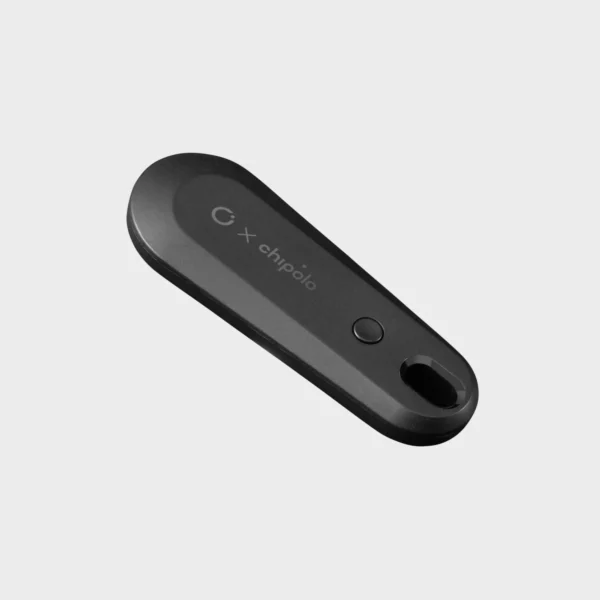
| Chipolo x Orbitkey Tracker V2 | Bluetooth tracker—finds keys and phones via an app | ABS, approximately 28 g, CR1632 battery | in a stack or with a tassel attached to the D-ring |
| AirTag Case | Case for Apple AirTag, open for engraving | AirTag not included | on the D-ring |
| Expansion | 4 additional keys | 20 × 4 × 4 mm, steel | in the shaft |
The Multi-Tool V2 is the accessory that makes the most sense because it comes with both a screwdriver for the battery compartment and a bottle opener. If you just want the opener, go for the 2.0 Bottle Opener, which weighs 12 g. For those who often misplace their keys, there are two options: the Chipolo x Orbitkey Tracker V2 with its own app for iOS and Android, or the AirTag Case for anyone already using the Apple ecosystem. The case attaches to the D-ring, while the Chipolo sits inside the stack.
-
The Orbitkey Multi-Tool V2 combines 9 tools in a slim design and fits right into the Key Organizer. Made of durable 420 stainless steel with a titanium coating…
-
The Chipolo x Orbitkey Tracker V2 helps you find your keys, bag, or phone using the free Chipolo app. It fits into any Orbitkey organizer or can be attached…
Ring, clip, or carabiner: what attaches to the D-ring
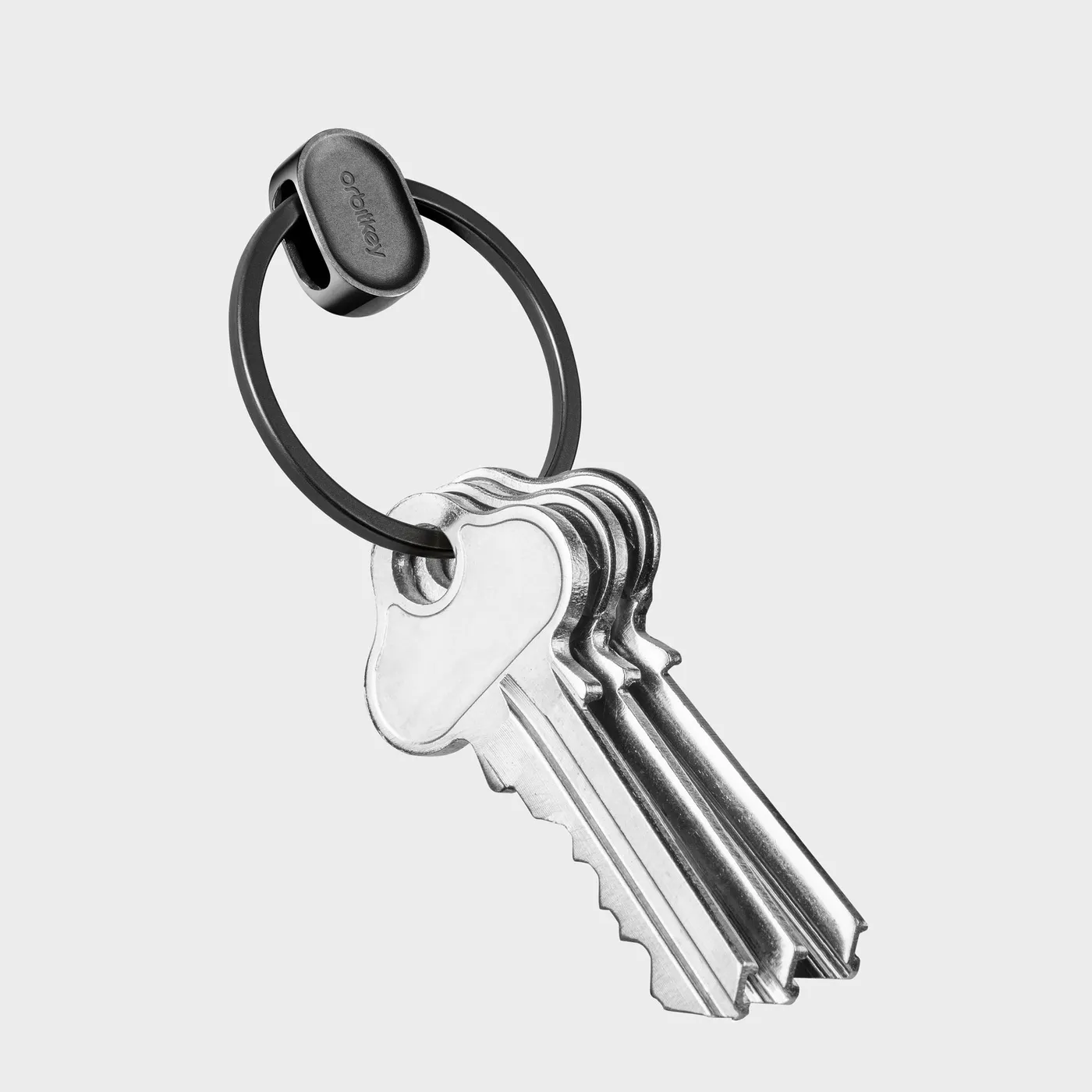
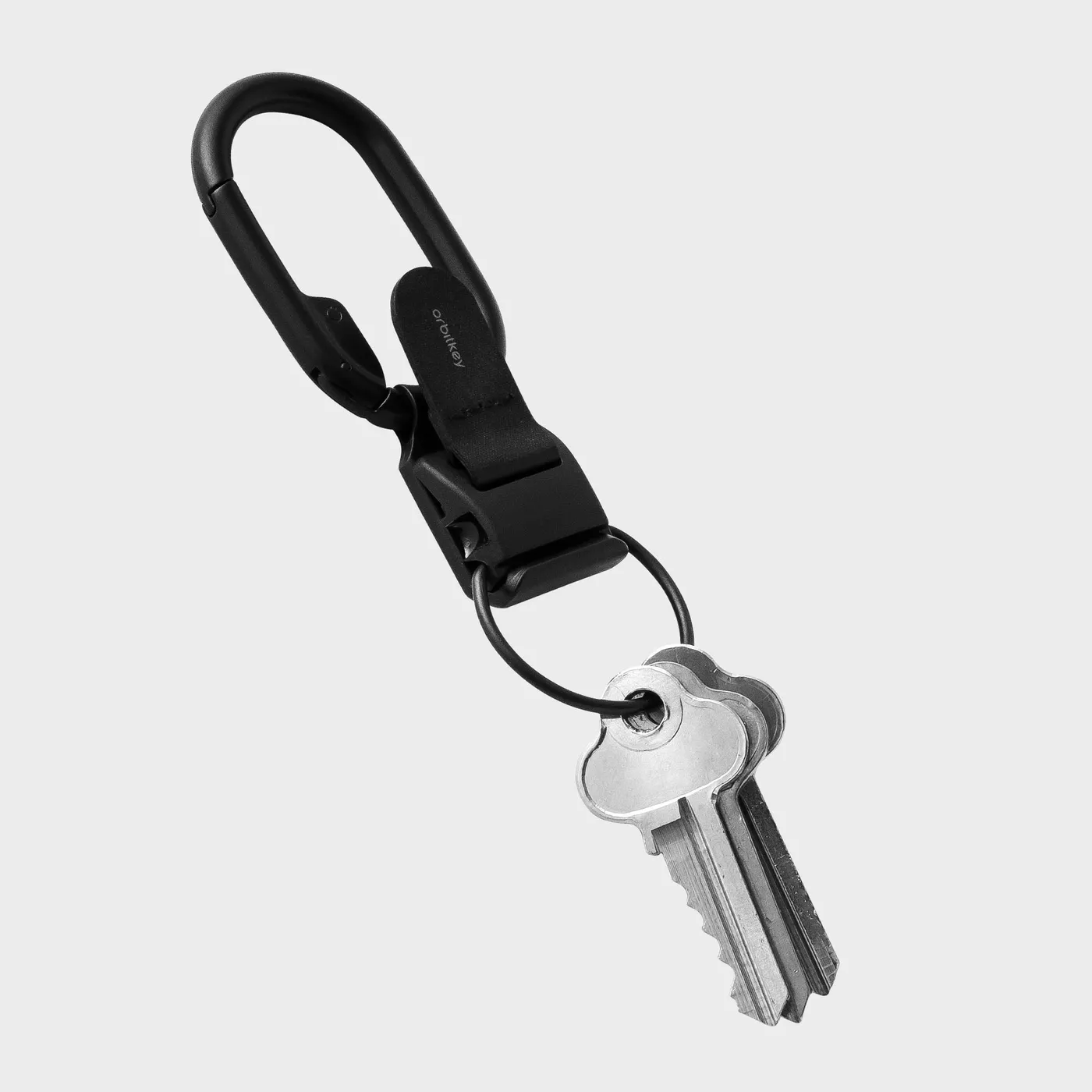
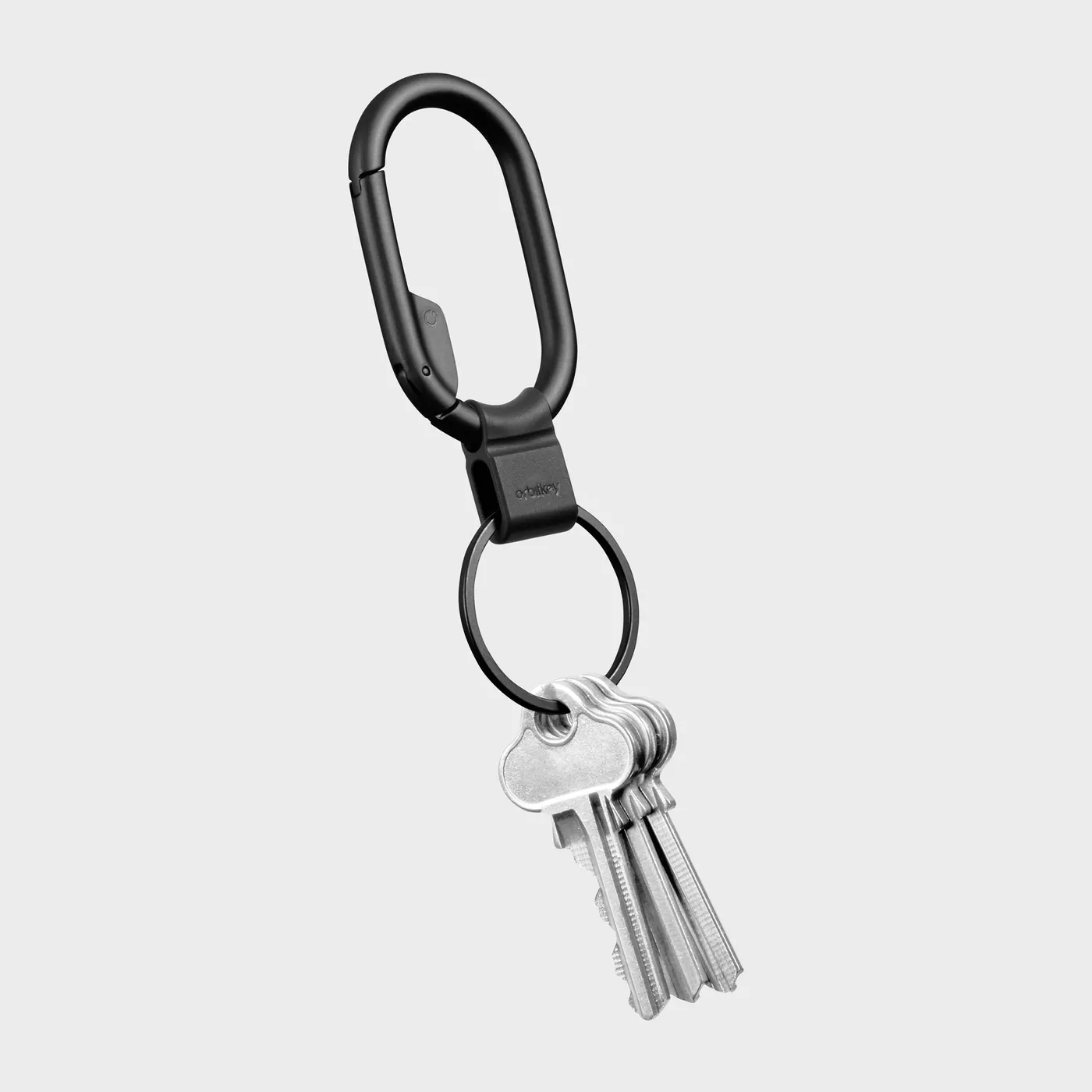
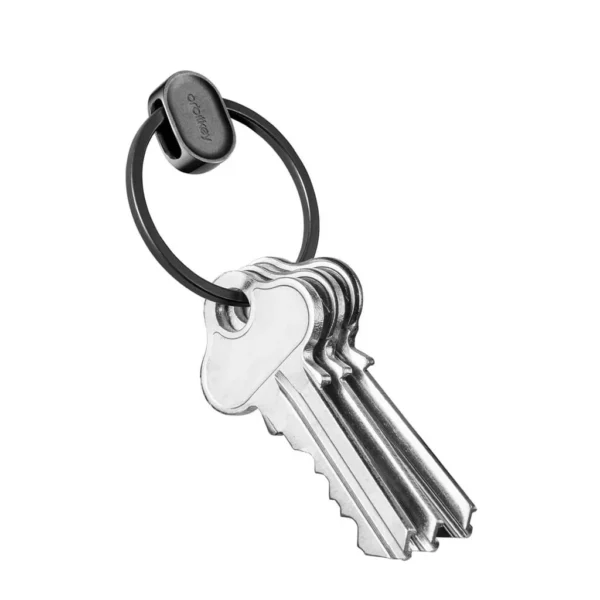
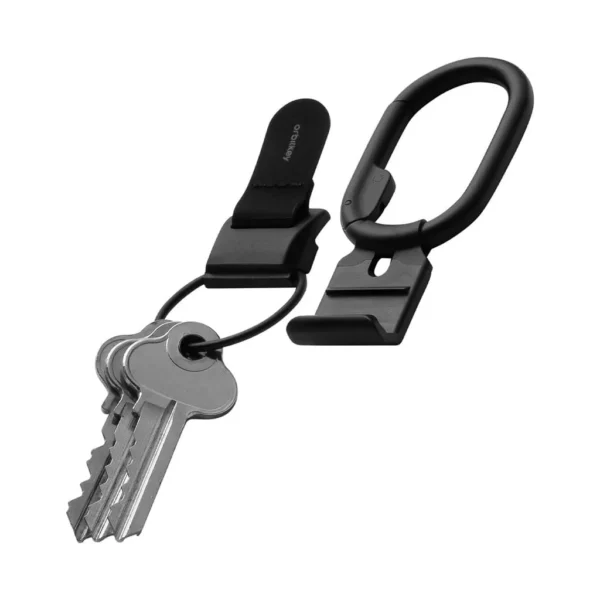
The D-ring serves as the interface to the outside world. If you often separate your car keys from your organizer—for example, when dropping off your car—you can attach the Orbitkey Ring V2 between them: a stainless steel ring with a patented quick-release clasp that opens by pulling and turning, without damaging your fingernails. The Clip V2 attaches to your belt or bag with a magnetic Fidlock clasp that opens with one hand and features a removable D-ring. The Clip Mini is the slimmer version with a stainless steel Quick-Snap clasp. All three fit any Orbitkey organizer.
-
Slim stainless steel keyring with a patented quick-release clasp—easily attach and detach keys without breaking your fingernails. Compatible with most keys and…
-
The Clip v2 from Orbitkey gives you quick access to your keys – thanks to the magnetic Fidlock® quick-release fastener. Simply attach to belt loops or bags…
Frequently Asked Questions About Setting Up the Orbitkey Key Organizer
The Classic Key Organizer (Leather, Crazy Horse, Active) holds 2 to 7 standard keys that are 2 mm thick, while the Key Organizer Pro holds 3 to 9. With the extension, you can add up to four more, for a maximum of 11 on the Classic model. Car keys and key fobs can also be attached to the D-ring.
According to Orbitkey, the key must have a hole with a diameter of at least 4 mm and may be no more than 67 mm long from the hole to the tip; for the Pro model, the maximum length is 68 mm. Most house, apartment, and mailbox keys meet these requirements. Keys with plastic heads, remote keys, and car keys are attached to the D-ring.
The corrugated metal discs maintain tension in the stack and keep the keys aligned so that each one can be unfolded individually. One is pre-installed; the second is located under the paper tab inside the package. Use both if there are only two keys or if the keys do not have a flat side.
Continue until the keys snap out with slight resistance and nothing wobbles anymore. The mechanism locks into place every half-turn. Check after every half-turn and stop as soon as you feel resistance. If you turn it too far, the mechanism will jam.
The screw has been tightened too far, usually because the wave washer is missing. Hold one end of the leather strap in place and turn the other end one full turn counterclockwise. If that doesn’t help, secure the shaft with the logo and loosen the screw with a coin, not a screwdriver.
Attach it to the D-ring at the bottom of the organizer. If you frequently need to remove your car key, insert the Orbitkey Ring V2 with a quick-release clasp between the keys. Only flat keys that are 2 mm thick will fit in the key stack itself.
Once it’s set up properly, you’ll have peace of mind
Once properly set up, an Orbitkey requires very little attention: check the screw every few months; don’t forget the splined washer when using a new key; attach your car key to the D-ring. To find out which material is right for you, check out the model comparison on the Orbitkey brand page, and if you’re tidying up your desk at the same time, you’ll find the Orbitkey Desk Mat in the Journal. All organizers and accessories: Carry Essentials.
Neo Abgottspon, One Horizon, Raron. As of September 2026.